Cyberpunk 2077 v2.1 Save Game – PC

Select your platform and your letter

Cyberpunk 2077 v2.1 Save Game

Cyberpunk 2077 v2.1 Save Game: free file for Cyberpunk 2077 v2.1 on PC, to copy into the game's save folder. Updated February 2, 2024 · 1,408 downloads.

PC
Cyberpunk 2077 v2.1 cover
Advertisement
REQUIRED CONDITIONS
This box must be checked to enable download.
5 seconds before download...
File: Cyberpunk.2077.ManualSave.226.zip
1.81 MB SHA-1: 3013298e…54d2ef08
Information
  • Author: OVE
  • Downloads: 1,408
  • Updated:
  • Size: 1.81 MB
  • SHA-1: 3013298eb25ca538e98d1030487dc2ea54d2ef08

Cheat Codes

The beginning for the Guy with a fully upgraded V

The GAME requires the latest update and Phantom Liberty DLC V2.1.

"Start the game with a fully upgraded character, ready to conquer the city.
Child of the Streets: You are a native of the dark corners of Night City, born in dangerous conditions and fighting street gangs - you decided to conquer this City.

Note:

Make sure your game is updated to the latest version. To do this, you can check for updates on Steam [or update through another digital store] or reinstall if you have a pirated version.
Check the availability of the Cyberpunk 2077: Phantom Liberty DLC in your game client or in the digital stores where you purchased the game. If the DLC is missing, try installing it or checking for updates for that DLC.
I hope these tips will help you solve the problem with saving in the game Cyberpunk 2077.

Archive Images

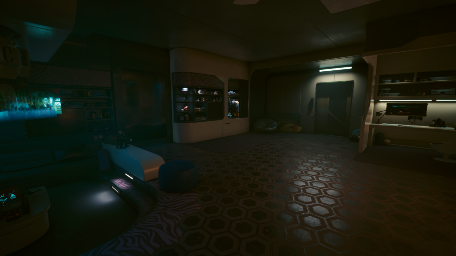
screenshot.png
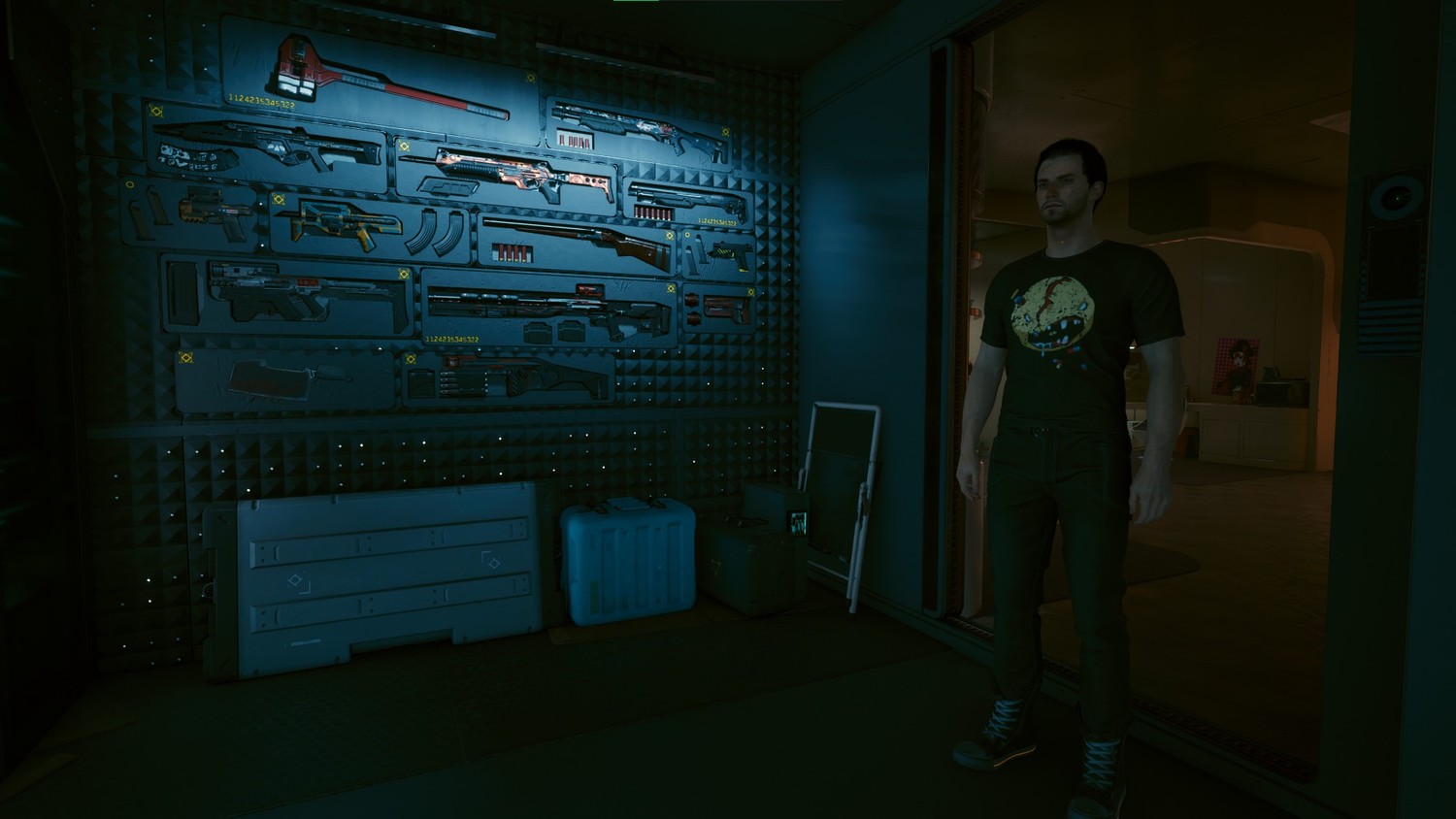
50873303.jpg
Click on an image to enlarge it

Information Files (.nfo)

Name of the file: Trainers.nfo


█▓▓▓▓▓▓▓▓▓▓▓▓▓▓▓▓▓▓▓▓▓▓▓▓▓▓▓▓▓▓▓▓▓▓▓▓▓▓▓▓▓▓▓▓▓▓▓▓▓▓▓▓▓▓▓▓▓▓▓▓▓▓▓▓▓▓▓▓▓▓▓▓▓▓▓█ █▓▒▒▒▓█████▓█████▓█████▓█▓█▓▓▓█▓█████▓█████▓█████▓▓▓▓████▓█▓█████▓█▓▓▓█▓▒▒▒▓█ █▓▒ ▓▓▓█▓▓▓█▓▓▓█▓█▓▓▓█▓█▓██▓▓█▓█▓▓▓▓▓█▓▓▓█▓█▓▓▓▓▓▓▓▓█▓▓▓▓█▓▓▓█▓▓▓▓█▓█▓▓ ▒▓█ █▓ ▓▓▓█▓▓▓█████▓█████▓█▓█▓█▓█▓████▓▓█████▓█████▓██▓█▓▓▓▓█▓▓▓█▓▓▓▓▓█▓▓▓ ▓█ █▓▒ ▓▓▓█▓▓▓█▓▓█▓▓█▓▓▓█▓█▓█▓▓██▓█▓▓▓▓▓█▓▓█▓▓▓▓▓▓█▓▓▓▓█▓▓▓▓█▓▓▓█▓▓▓▓▓█▓▓▓ ▒▓█ █▓▒▒▒▓▓▓█▓▓▓█▓▓▓█▓█▓▓▓█▓█▓█▓▓▓█▓█████▓█▓▓▓█▓█████▓▓▓▓████▓█▓▓▓█▓▓▓▓▓█▓▓▓▒▒▒▓█ █▓▓▓▓▓▓▓▓▓▓▓▓▓▓▓▓▓▓▓▓▓▓▓▓▓▓▓▓▓▓▓▓▓▓▓▓▓▓▓▓▓▓▓▓▓▓▓▓▓▓▓▓▓▓▓▓▓▓▓▓▓▓▓▓▓▓▓▓▓▓▓▓▓▓▓█ █▓▓▓▓░░░ Trainers City ░░░▓▓▓▓▓█ █▓▒▒▒ - The Bible Trainers - ▒▒▒▓█ █ ■■■■■■■■■■ ■■■■■■■■■■ █ █ █ █ This trainer doesn't work with your game? █ █ Read the FAQ or write to the author! █ █ https://www.trainerscity.com/en/help (In English) █ █ https://www.trainerscity.com/fr/help (In French) █ █ █ █ ■■■■■■■■■■ ■■■■■■■■■■ █ █ █ █ Try the forums of Trainers City in French and......

...You will find the rest of this information in: Trainers.nfo,
if you download this file: Cyberpunk.2077.ManualSave.226.zip
Trainers City

How to install the Cyberpunk 2077 v2.1 Save Game save game

This Cyberpunk 2077 v2.1 Save Game save file is a pre-advanced game progress file that you copy into the game's save folder. Back up your existing save file first — so you can restore it if needed. Then locate the game's save directory (usually under Documents/My Games/ or %APPDATA% on Windows) and replace the existing file with the one provided in the archive. Restart the game and load the save from the save selection menu.

FAQ

Yes, always. Copy your existing save file to a safe location before replacing it — if the downloaded save doesn't suit you, you can restore yours in seconds.

The location varies by game, but the most common paths on Windows are: Documents\My Games\[GameName]\, %APPDATA%\[GameName]\, or %LOCALAPPDATA%\[GameName]\. For Steam games, saves may also be stored in Steam\userdata\[SteamID]\[AppID]\remote\.

Make sure you copied the file to the correct folder and that the file name exactly matches the format the game expects (no double extension, e.g. .sav.sav). Some games also require the slot number to match an existing save slot.

Save files are usually compatible across versions of the same game, unless a major update changed the save format. If the game refuses to load the file, check that your game version matches the one noted in the description.
Still not working? Visit our help page for further assistance.
Comments
Become a Patron!
Comments only in English or French or comments will be removed!


Become a Patron!